HDS Systems #23

Candle Power Forums

Help Support Candle Power:

How did you get that patina? How many years of edc?
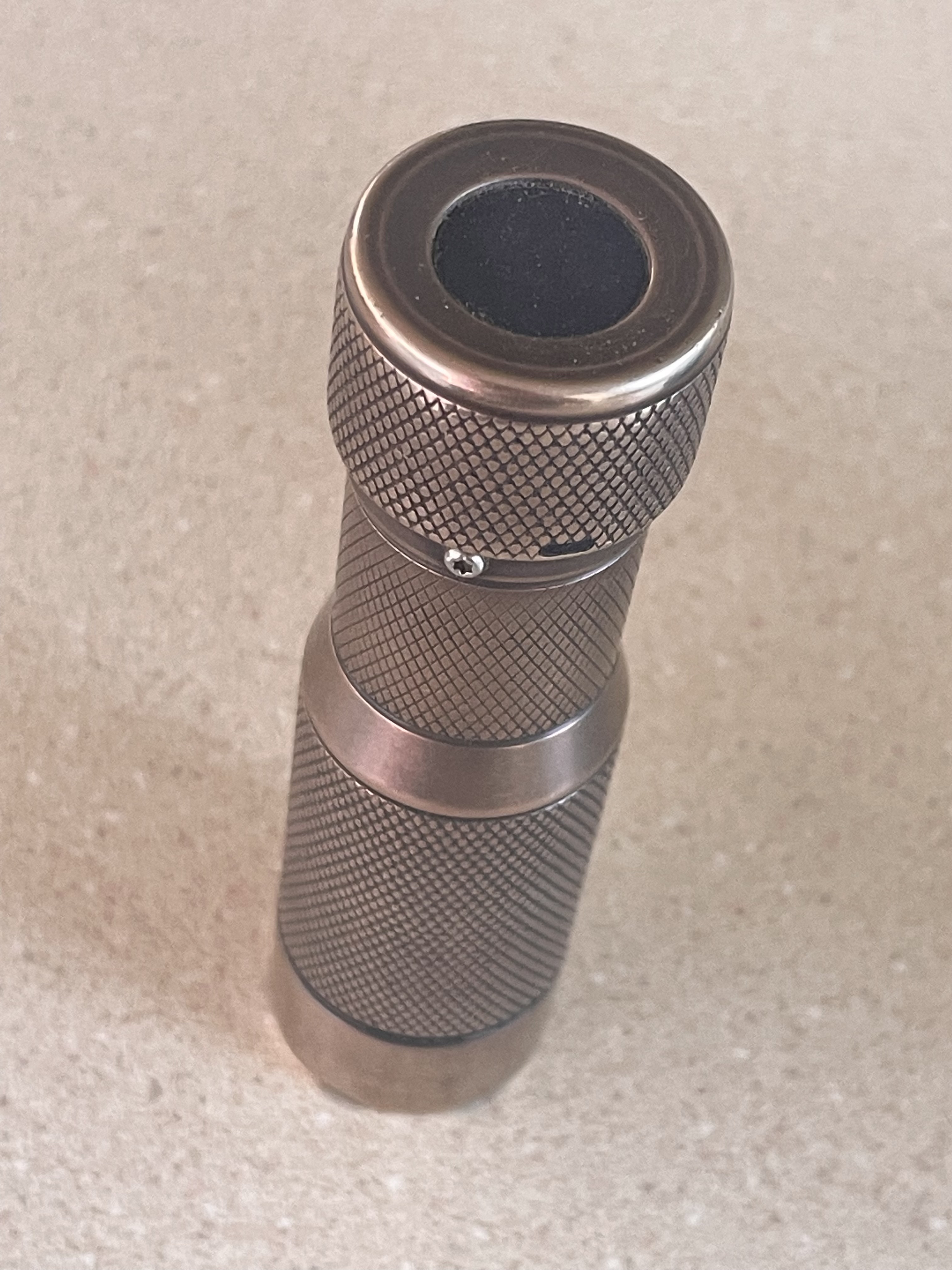
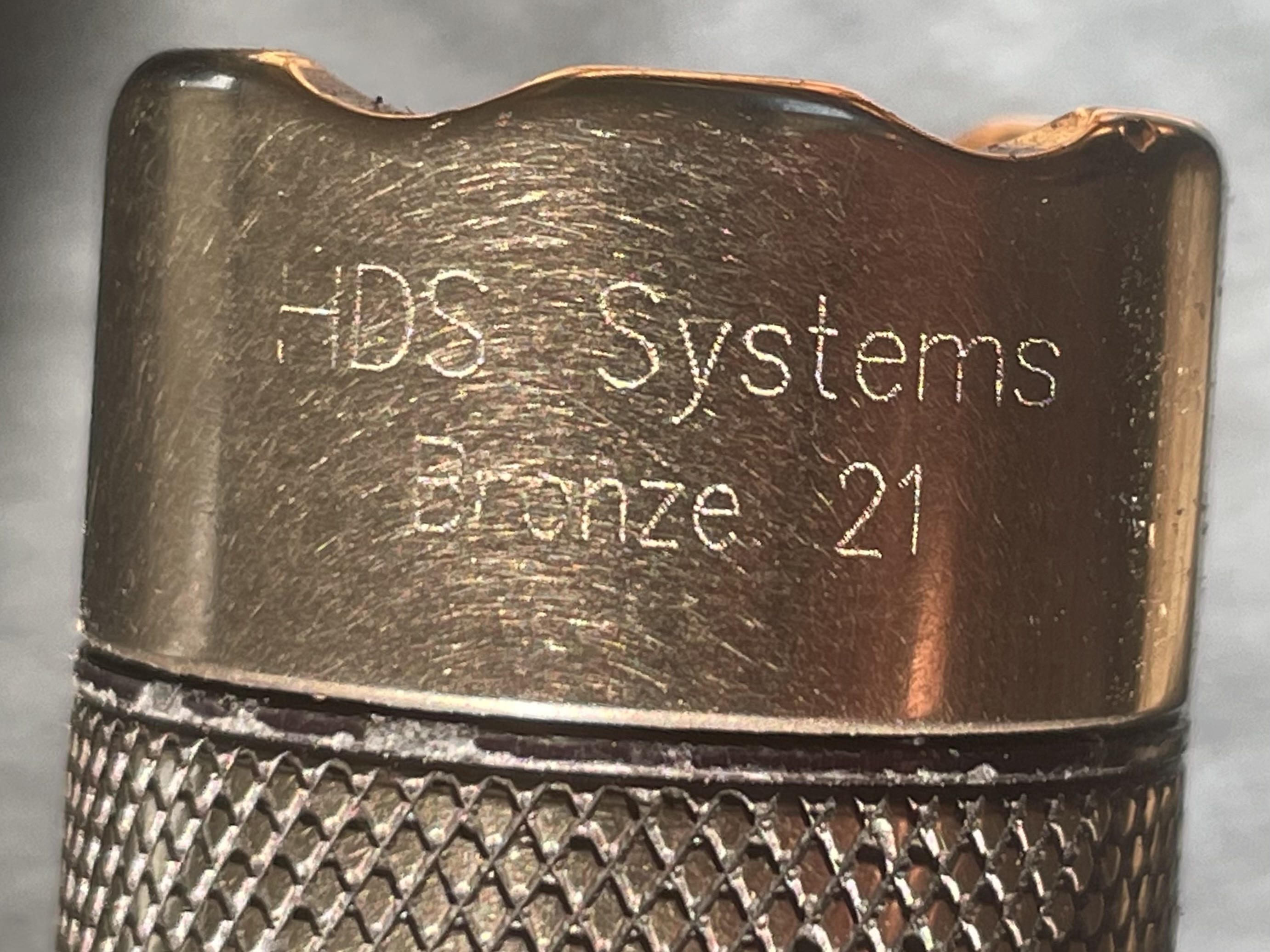
Here's a bronze Rotary with 9 years of daily carry.
IMG_5745.jpeg


IMG_5741.jpeg
 
Here's a bronze Rotary with 9 years of daily carry.
View attachment 95992

View attachment 95991
It’s impressive that you’ve been using it for nine years. I imagine the countless tiny scratches—with verdigris settling into the grooves—create a really nice finish. After all, verdigris that forms on flat surfaces tends to rub off easily if touched. It’s also great that it’s a rare bronze rotary model.
 
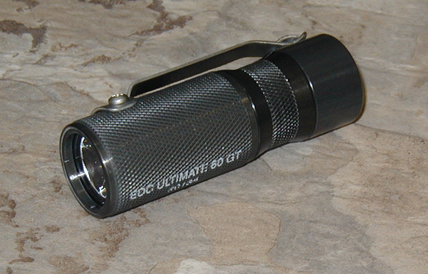
By the way, does anyone have an old Ra EDC Basic or Ultimate for sale? any version 42 / 60
1782987724907.png


The modern versions are great, but for comparison I'd like to catch one of the old ones. One of my friends is looking for Actionlight, but I think it's fantasy))
 
By the way, does anyone have an old Ra EDC Basic or Ultimate for sale? any version 42 / 60
View attachment 96142

The modern versions are great, but for comparison I'd like to catch one of the old ones. One of my friends is looking for Actionlight, but I think it's fantasy))
I'll try looking through my stuff and see if I can find the one that I bought, but never used. I think the CPF'er I got it from had put a different emitter in. Haven't seen it in years but I'm sure it's still around somewhere laying in a box or drawer.
 
By the way, does anyone have an old Ra EDC Basic or Ultimate for sale? any version 42 / 60
View attachment 96142

The modern versions are great, but for comparison I'd like to catch one of the old ones. One of my friends is looking for Actionlight, but I think it's fantasy))
I had several 60s, but they are all gone (replaced by current model downgraded to 120 lumens) due to failing capacitors. Happened to all of my lights, symptom was draining batteries when off. I think I still have some 17650 battery tubes somewhere though.
 
As an Amazon Associate we earn from qualifying purchases. Product prices and availability are accurate as of the date/time indicated and are subject to change.
I'll try looking through my stuff and see if I can find the one that I bought, but never used. I think the CPF'er I got it from had put a different emitter in. Haven't seen it in years but I'm sure it's still around somewhere laying in a box or drawer.
Thank you =)

I had several 60s, but they are all gone (replaced by current model downgraded to 120 lumens) due to failing capacitors. Happened to all of my lights, symptom was draining batteries when off. I think I still have some 17650 battery tubes somewhere though.

Cool, now they have a very long battery life at maximum. Do they have 120 lm on 24 levels or are there just 21-22 levels left?
 
Last edited:
Cool, now they have a very long battery life at maximum. Do they have 120 lm on 24 levels or are there just 21-22 levels left?
I grabbed the closest I have, and counted 24 levels, it also has a red ring (120 should be green), and I believe it flashes firmware version 2.18 and 200 lumens... followed that procedure when I got it, don't want to try it again now 😁
I have no way of checking whether the highest level is really 120 or 200.

Your light will tell you what version of software it is running. To retrieve this information, you start by performing a factory reset but you do not release the button until the light begins flashing - roughly 10 seconds after the light turns off and roughly 20 seconds after you pressed the button. Note that since you are performing a factory reset, you will loose any customizations your have made and will need to make the customizations again. Here is the procedure to determine the software version number:


  • Turn on your flashlight.
  • Unscrew and open the battery compartment - your light will go out.
  • Screw the battery compartment back onto the head. As you are doing this, the light will turn on dimly - this is the reset indication.
  • Before the light turns off, press and hold the button. The light will become brighter when the button is pressed.
  • After 10 seconds, the light will turn off. Do not release the button - continue holding the button down.
  • After another 10 seconds, the light will begin to flash. You may now release the button.
  • The flashes are grouped as 8 flashes with a pause separating them. Short flashes represent a 0 while longer flashes represent a 1. What you will be looking at are binary numbers. Write down the sequence of zeros and ones and use your favorite binary to decimal converter to convert the binary strings to decimal numbers.
  • The numbers will continue to flash until you again unscrew and open the battery compartment.
If you are running 1.xx software, you will see a single number when the button is released and two numbers when the button is pressed. The two numbers are separated by a short pause and repeat after a longer pause. If you are running 2.xx software, the button is ignored and you will see three numbers separated by short pauses that repeat after a longer pause.

The single number displayed with the button up has no useful value and should be ignored. The same is true for the first of the three numbers for versions prior to 2.2. The first of the three numbers starting with version 2.2 is the calibrated output divided by 10 and rounded to an integer. As an example, a 325 lumen light will have the value of 33.

The two numbers displayed with the button down or the second and third of the three numbers is the version number. The first number will be either a 1 or 2 and is the major version number. The second number is the minor version number. Version numbers are normally formatted as <major>.<minor> - e.g., 2.18.
 
I grabbed the closest I have, and counted 24 levels, it also has a red ring (120 should be green), and I believe it flashes firmware version 2.18 and 200 lumens... followed that procedure when I got it, don't want to try it again now 😁
I have no way of checking whether the highest level is really 120 or 200.
Oh, cool, the easiest way is to buy the latest 200 lm version from Henry and compare the brightness😁
 

Latest posts

Back
Top